
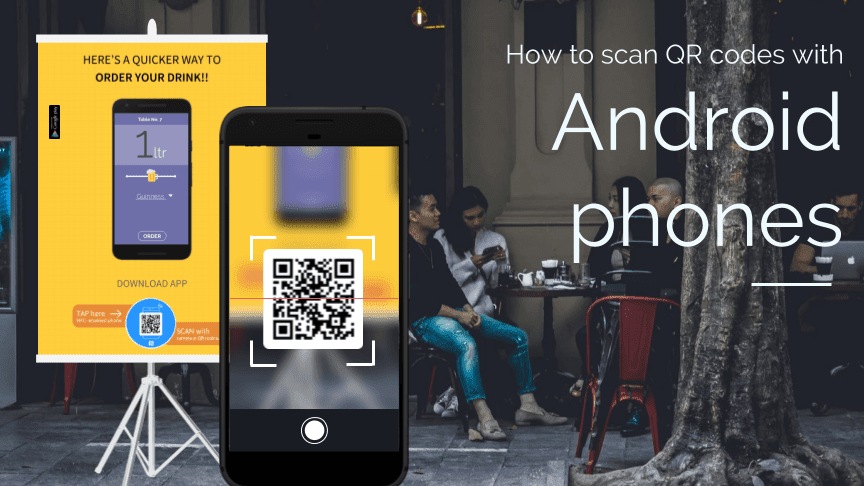
Did you know that your phone is capable of reading QR codes? It’s true! Regardless of whether you have an iPhone or an Android, most cell phones come pre-installed with the necessary software to read QR codes. Here are some quick tips to keep in mind:
In conclusion, QR code scanning is easy and accessible to anyone with a smartphone or other digital device. Don’t let a lack of built-in software discourage you – downloading a QR code reader only takes a few moments. Start scanning today!
Do all cell phones read QR codes?
QR codes have become popular in recent years, and you might be wondering if your smartphone can scan them. Well, the good news is that most smartphones nowadays can read QR codes with their cameras. However, there are some differences that you should be aware of, depending on the type of phone you have and the operating system it uses.
Compatibility with smartphones
Both iOS and Android devices can scan QR codes with their cameras. All you need is a QR code scanning app, which is usually available for free on the App Store or Google Play. Once you have the app installed, you can simply open it and point your camera at the code to scan it.
QR code reading capabilities of Android devices
Android devices, in particular, have a wide range of QR code scanning capabilities. Even if your device is not a smartphone but a tablet, it should still be able to scan QR codes as long as it has a camera. Some high-end smartphones even come with a built-in QR code scanner, making it even easier to scan codes.
Differences between phones and tablets
While both phones and tablets can scan QR codes, there are some differences to keep in mind. For example, the camera on a tablet may not be as good as the camera on a smartphone, which could affect the scanning quality. Additionally, the screen size of a tablet may make it more difficult to position the QR code correctly for scanning.
Smartphone operating system’s influence on scanning capability
The operating system your smartphone uses can also affect its QR code scanning capability. For example, some Android devices have an option in their camera settings to enable QR code scanning, while others require a separate app. On the other hand, iPhones can scan QR codes directly from the camera app itself, without the need for a separate app.
Tips on optimizing QR code scanning with smartphones
If you want to ensure that your smartphone can scan QR codes easily and accurately, there are a few things you can do. Here are some tips to help you optimize your scanning experience:
- Make sure the QR code is clear and not blurry.
- Ensure that there is enough light to properly capture the QR code.
- Hold the phone steady while scanning.
- Position the code so that it fills the entire scanning area on the screen.
Advantages of scanning with Android devices over other platforms
While all smartphones can scan QR codes, Android devices have some advantages over other platforms. For one, there are a variety of apps available that can enhance the scanning experience, such as QR code readers with augmented reality features. Additionally, Android devices are often more customizable than other platforms, which means users can choose the app that works best for them.
In conclusion, if you have a smartphone with a camera, the chances are that you can scan QR codes. However, it’s worth noting that there are some differences to consider, depending on your device and operating system. With a little bit of practice and the right app, you can easily scan QR codes with your smartphone or tablet, and unlock a world of information and convenience.



