
Looking for a hassle-free way to share your email address? Look no further than QR codes. By turning your email address into a QR code, you can make it easy for potential clients, customers, or fans to contact you with just a quick scan.
Here’s how to get started:
With a simple QR code, you’ve just made it easier for people to connect with you. So start sharing your email address today and see how it can boost your communication game!
Understanding QR Codes
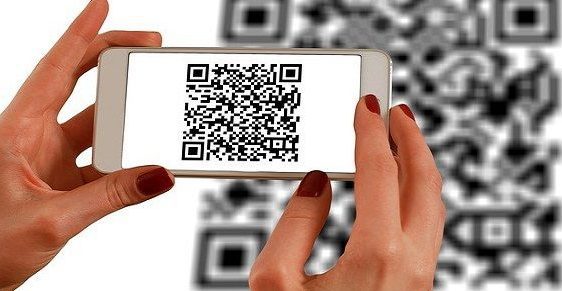
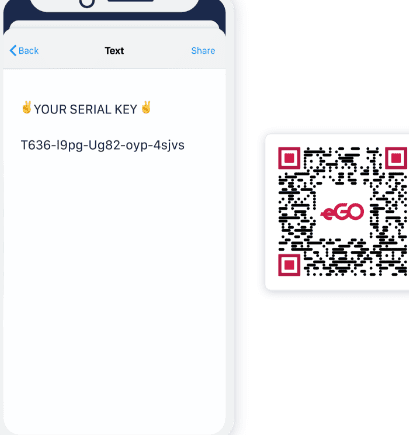
QR codes, or Quick Response codes, are two-dimensional barcodes that consist of black and white squares arranged in a pattern. These codes can be scanned by a smartphone or a QR code reader, which translates the pattern into information, such as a website URL, contact information, or an email address, without the need for any typing. QR codes have become increasingly popular because of their ability to store large amounts of data in a small space, their ease of use, and their versatility.
Why Convert Your Email Address to a QR Code?
Creating a QR code for your email address can be highly beneficial, especially if you use email as a primary mode of communication for your business or personal purposes. Here are some reasons why:
- Convenience: Providing your email address by scanning a QR code is more convenient for users than typing it out manually.
- Efficiency: A QR code allows users to send you an email with just a few taps on their phone, eliminating the need for them to open their email app and type your email address.
- Marketing: Including your email address in your marketing materials in the form of a QR code can make it easier for users to get in touch with you and can help increase engagement with your brand.
QR Code Generators
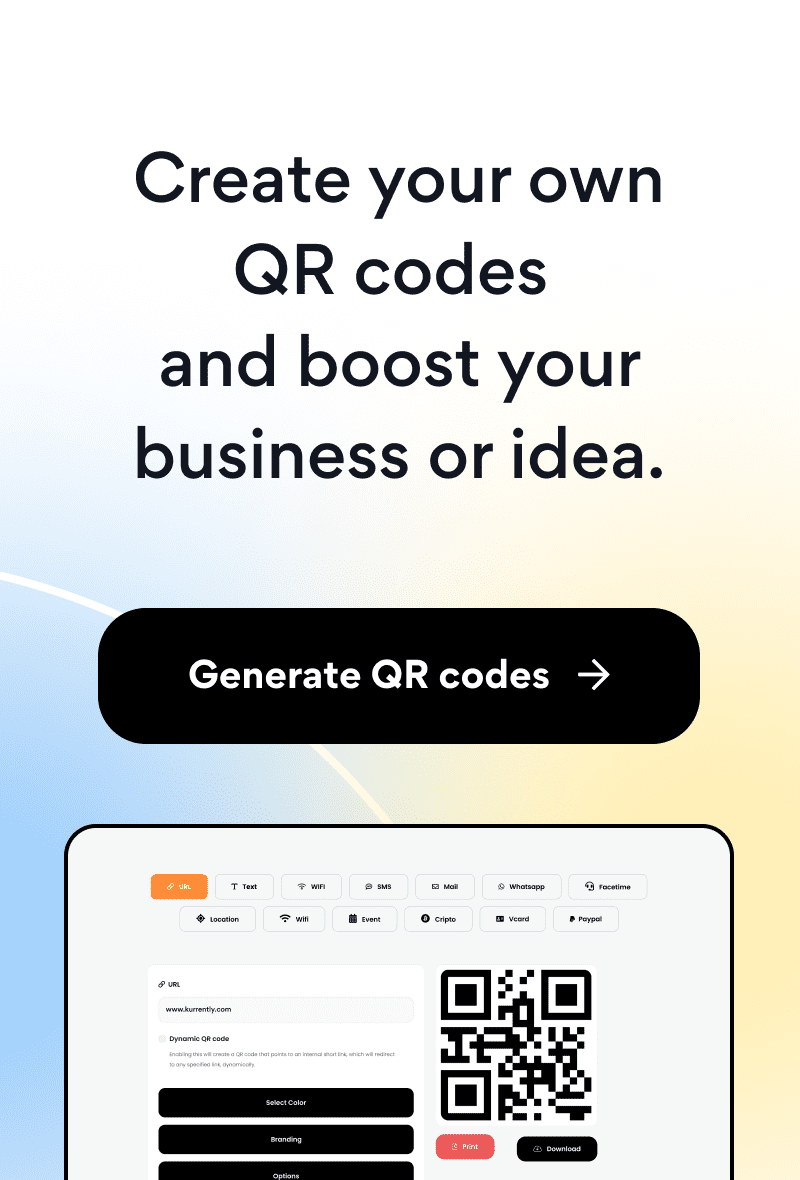
QR code generators are tools that allow you to create QR codes easily and quickly. There are many QR code generator websites and apps available online, both paid and free. Some popular QR code generators are QR Code Monkey, QR Stuff, and Visualead.
How to Generate a QR Code for Your Email Address
Generating a QR code for your email address is a relatively simple process. Here are the steps:
- Choose a QR code generator website or app.
- Select the type of content you want to encode in the QR code, which, in this case, is an email address.
- Enter your email address into the designated field.
- Customize the appearance of the QR code, such as by adding a logo or changing the color scheme.
- Download the generated QR code image and save it to your device.
Benefits of Using a QR Code for Your Email Address
The benefits of including a QR code for your email address in your marketing materials are significant. Here are some of them:
- User Engagement: A QR code can help increase user engagement with your brand by making it easier for them to contact you.
- Cost-Effective: QR codes are cost-effective marketing tools, as they can be created and printed at a low cost, even in large quantities.
- Measurable: QR codes can help you track the success of your marketing campaign by enabling you to monitor how many users are scanning your code.
- Faster Response: A QR code can help you respond to customer inquiries faster by providing them with a direct path to contact you via email.
How to Use Your Generated QR Code in Your Marketing Campaign
Once you have generated a QR code for your email address, you can incorporate it into your marketing materials in various ways. Here are some ideas:
- Business Cards: Include your QR code on your business card to provide an easy way for potential clients to get in touch with you.
- Brochures and Flyers: Add a QR code to your brochures and flyers to allow readers to contact you directly on their phones.
- Signage: Place your QR code on signs at your physical location to prompt visitors to contact you.
- Email Signatures: Add your QR code to your email signature to make it easy for people to get in touch with you after an email exchange.
QR Code Best Practices
To ensure that your QR code is effective and user-friendly, you should follow these QR code best practices:
- Test your code: Scan your QR code using a variety of devices and apps to ensure that it works correctly.
- Size and placement: Make sure your QR code is large enough and placed in a visible location where users can easily scan it.
- Call to action: Provide a clear call to action next to your QR code, such as “Scan to subscribe” or “Scan to contact us.”
- Mobile-friendly: Ensure that your website or email app is mobile-friendly and optimized for smaller screens since users will be accessing it on their phones.
Conclusion: The Future of QR Codes
QR codes have already become an essential marketing tool for businesses of all sizes, and this trend is likely to continue in the future. As technology continues to advance and consumers become more accustomed to using QR codes, we can expect to see even more innovative uses of them. By incorporating QR codes for your email address in your marketing materials, you can provide an easy and efficient way for users to contact you and help increase engagement with your brand. So, it’s time to leverage QR codes in your marketing campaign and stay ahead of the curve!