
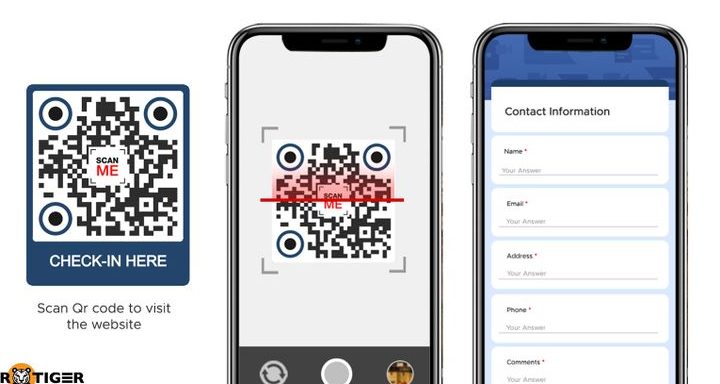
Did you know that QR codes are becoming more and more popular in our digital age? They’re a quick and easy way to access information or websites, but what happens when you scan a QR code? Can you save it for later? Here are some tips for storing and accessing previously scanned QR codes on your phone:
So don’t let scanned QR codes disappear into the digital ether! Take advantage of these options and access important QR codes on your phone whenever you need them.
Do QR Codes Stay on Your Phone?
The Temporary Nature of Scanned QR Codes
QR codes are ubiquitous today, appearing everywhere from business cards to advertisements to product packaging. They allow users to quickly access information or links by simply scanning the code with their smartphone’s camera app. However, one question that arises frequently is whether these scanned QR codes are saved on the phone for future use. The answer is no; scanned QR codes cannot be saved in the phone’s camera app, unless the user took an image of the QR code.
When you scan a QR code with your phone, it is only a temporary action. The link or information embedded within the code appears on your screen for as long as you keep your camera app open. Once you close the app, the scanned QR code is gone. The only way to save the information is by copying and pasting the link or taking a screenshot of the QR code itself.
QR Codes and Camera Applications
The camera application on a smartphone is primarily designed for taking photos and videos, not for saving scanned QR codes. While there are some third-party apps that can save scanned QR codes, the default camera app that comes with your phone does not have this functionality. Any QR codes that you scan with your phone’s camera app will only be visible for as long as you keep the app open. Once you close the app or switch to another app, the scanned QR code disappears.
Why Scanned QR Codes Aren’t Saved in the Camera App
The reason why scanned QR codes aren’t saved in the camera app is because they are meant to be temporary, one-time links. QR codes are often used for marketing purposes, where a brand or company may want to share a special offer, promotion or link with its target audience. Once the link has been accessed or the promotion ends, there is no need for the QR code to remain saved on the user’s phone. By keeping scanned QR codes temporary, it also ensures that users always have access to the most up-to-date information or links.
The Importance of Capturing QR Codes Via Images
While scanned QR codes cannot be saved within the camera app, it is possible to save them for later use by taking an image of the QR code itself. This can be done by opening the camera app and positioning it so that the QR code is within view. Once the code is in focus, simply take a photo of it. The image can then be saved to your camera roll or a separate folder on your phone. This is useful if you come across a QR code that you want to access at a later time or want to share with others.
Important note: Be mindful of the information contained within QR codes that you capture via images, as they may contain sensitive data, such as personal or financial information.
QR Codes as One-Time Use Links
As mentioned earlier, QR codes are typically used as one-time use links. Once the link has been accessed or the promotion has ended, the QR code is no longer useful. This is why it is important for marketers and businesses to clearly communicate the purpose and lifespan of a QR code to its audience. Users should be made aware that scanned QR codes will not be saved in their camera app, so they need to take appropriate action if they want to save the link for later use.
Tip: If you’re creating a QR code for marketing purposes, consider including a call-to-action that encourages users to take a screenshot of the code or explains how to save the link for later use.
Possible Alternatives to QR Codes for Permanent Links
If you’re looking for a more permanent way to share links with your audience, there are several alternatives to QR codes that you can explore. Some potential options include:
- Short URLs: These are brief, easy-to-remember links that redirect to a longer, more complex URL. They can be shared via social media, email, or other digital channels.
- NFC (Near Field Communication): This technology allows users to transfer data between devices by tapping their phones together. It is often used for contactless payments or sharing small amounts of data.
- iBeacons: These small devices emit a Bluetooth signal that can trigger push notifications or other actions on a user’s smartphone when they are in close proximity to the beacon.
While QR codes are useful for certain marketing and promotional purposes, they are not a permanent solution for sharing links or information. By understanding the temporary nature of scanned QR codes and exploring alternative options, businesses and marketers can create more effective and sustainable ways to engage with their audience.



